A pixel avatar that can also walk.
Filters flatten your photo into blocky pixels. PixelForge redraws you as an actual game character — a crisp pixel portrait for Discord, GitHub, or your stream, plus the full walking sprite pack behind it. $5, one-time.
Pixelate filters vs a redrawn you
Every free "pixel avatar" tool does the same thing: downsample your photo until it's blocky. The result reads as a low-resolution photo — mushy colors, no clean outlines, nothing like the game characters that made you want a pixel avatar in the first place.
PixelForge doesn't downsample — it redraws. An image model generates you as a proper pixel-art character (clean silhouette, deliberate palette, readable at tiny sizes), keeping the cues that make you recognizable: hair, glasses, shirt color, build. Then the pipeline cuts it into a full 16-frame walk cycle, because the best pixel avatar is one that moves.
 → your avatar
One pack, every profile picture
The ZIP gives you both stills and motion, at two sizes, on transparent backgrounds — so the same $5 covers every surface you show up on:
- Static avatar: any of the 16 frames is a clean, transparent PNG — the front-facing neutral frame makes a natural profile picture for Discord, GitHub, Slack, or a forum.
- Animated avatar: the looping walk GIFs drop into any surface that accepts animated images (on Discord, animated avatars require Nitro — the static frame works everywhere else).
- Stream & social: the walking GIF works as a banner accent or "brb" mascot — transparent, loopable, unmistakably you. (Building a Twitch setup? The streamer page owns that topic, OBS settings included.)
- And it's a real sprite: unlike avatar-only generators, the same files are a game-ready pack — if you ever drop yourself into a Godot or Unity project, you already own the assets.
Sized for tiny and crisp
Pixel art survives aggressive downscaling better than photos do — at 32px in a chat sidebar, a deliberate 48px character stays readable where a pixelated photo turns to noise.
Yours, your friends', the whole server's
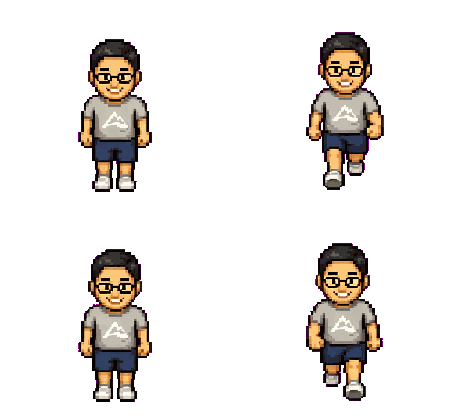
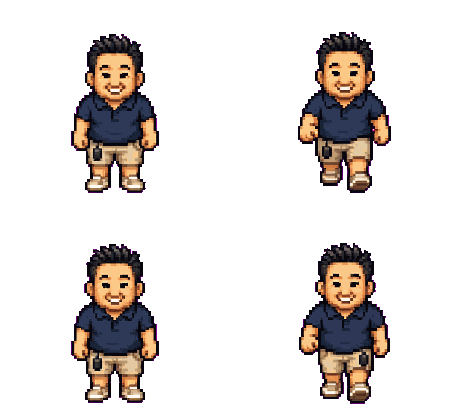
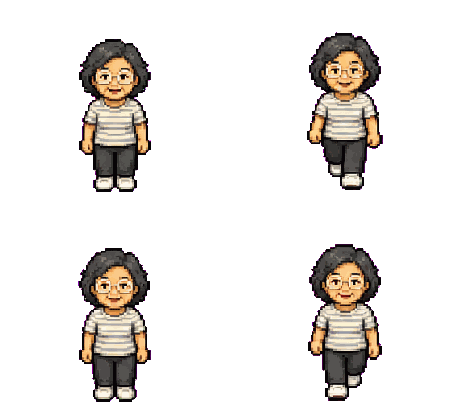
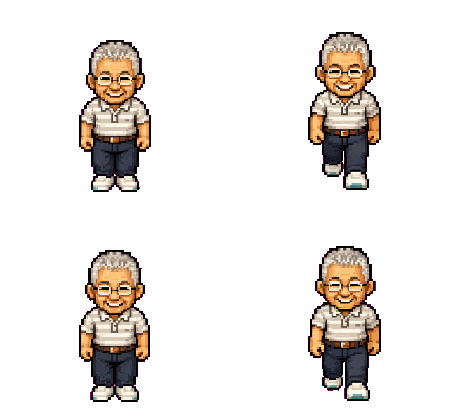
Shown: four real packs — the founder and his family, one photo each.
Matching avatars for a friend group, a guild, or a team make a great coordinated look — and a great $5 gift.
Frequently asked questions
Filters downsample your photo; PixelForge redraws you as a designed pixel-art character with a clean silhouette and palette, then ships it as 16 animated frames. One reads as a blurry photo, the other reads as a game character who happens to be you.
Animated avatars on Discord require Nitro — with it, the walk GIF works as-is. Without Nitro, use any single frame as a crisp static avatar; the front-facing neutral pose is the natural pick.
Yes — upscale it with nearest-neighbor (no smoothing) to 256px or 512px before uploading and the pixels stay perfectly crisp. Deliberate pixel art reads better at small sizes than a downscaled photo does.
One clear, front-facing photo of a single person, decently lit. The checker rejects no-face and multi-face photos before you pay, and you get 3 free retries if the first result isn't right.
Yes — that's the difference from avatar-only tools. The same pack is a complete 4-direction walk-cycle sprite for Godot, Unity, Phaser, RPG Maker, or the web, with commercial use included.
Put anyone into your game.
$5 · one photo · 4-direction walk pack · no subscription
Make a sprite — $5